
(* is a required Field)
Book Title* – Exact title of the book, as you want it minted
Book Subtitle
Author name(s)* – Exact names of author(s)
Upload the media source file. [Epub Format Only]* – More information
Upload a single cover. (File must be 4000 x 4000 pixels and in PNG or JPG format)* – More information
Upload a secondary store banner graphic. Max file size: 1 MB size: 1800W x300H pixels – Example
One line metadata description* – Example
Short Landing Page Description* – Example
Long Landing Page Description* – Example
Author Biography* – Example
Upload Author Headshot: 400 x 400 pixels in PNG or JPG format. – Used for Author biography
Word Count* – Total number of words in the book
Publisher, Editor, Forward, Illustrator, etc. – Additional credits for the book
What date was this work initially available to the public through any outlet? (Leave blank if this asset has never been available before.)
Genres* – Multi-select of all genres the book falls under
Language* – Select the language the book is in
Does this work have adult content? (Languages, Images, etc). Intentionally mislabeling your content will result in automatic deletion and you will not be refunded any fees.* – Yes or No to graphic language or images
Anything else you would like us to know? – Any other credits or information
Requested release date. Note: we do not guarantee any dates but will try to accommodate. – The earliest date is two weeks out; no guarantees on minting at two weeks or on the requested date.
Instagram Profile – Author’s Instagram Page, used on secondary marketplaces
X (Twitter) Profile – Author’s X Page, used on secondary marketplaces
Discord Invite – Author’s Discord invite link, used on secondary marketplaces
Website – Author’s webpage, used on secondary marketplaces
Examples:
Secondary store banner graphic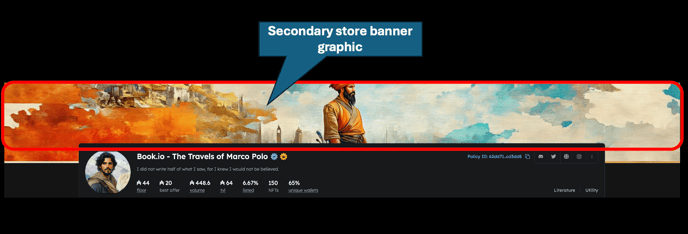
Metadata Quote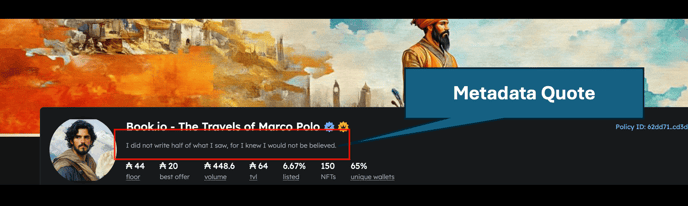
Short Landing Page Description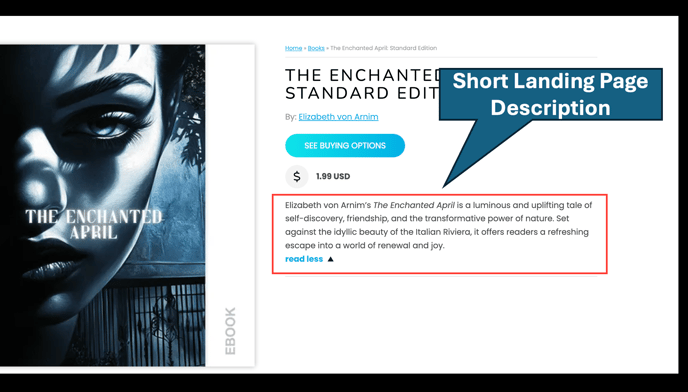
Long Landing Page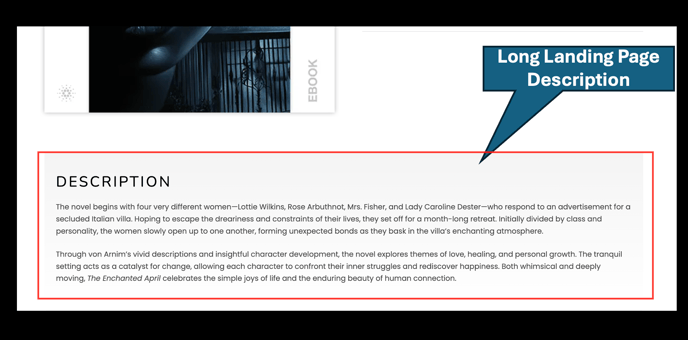
Author Biography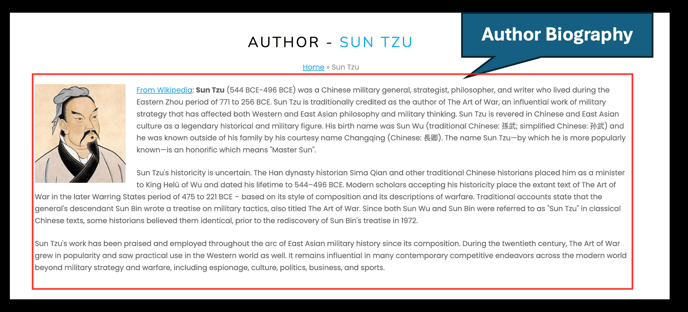
If you come back to an unfinished submission
The Self-Publishing Portal saves the fields above on the device you started on. When you return, it shows exactly what was restored, including your media details, pricing, and payout preferences, and lists the files you need to select again. Files are never stored in your browser, so your media file and cover image always have to be re-selected. To start over instead, choose Discard draft in that same window.
Before you pay
If you pay by card, the Create step shows what creating the asset will cost before the payment window opens. That figure is shown plus any applicable tax, and before any promotion code is applied. If you pay with $STUFF, the amount appears on the payment button.